
The e-mail log and reply-to address
Check which e-mails your shop sent in the last three days, why one failed, where replies go, and when a mail account counts as broken.
In the admin: SettingsE-mailsE-mail log
On this page
When a customer says "I never got my order confirmation", the e-mail log tells you whether the shop sent it, when, and whether the mail account accepted it. This article also covers the two settings of the E-mail group: where replies go and when a mail account counts as broken.
Open the e-mail log
Go to Settings > E-mails and press E-mail log at the top, or open E-mail log from the Settings page.
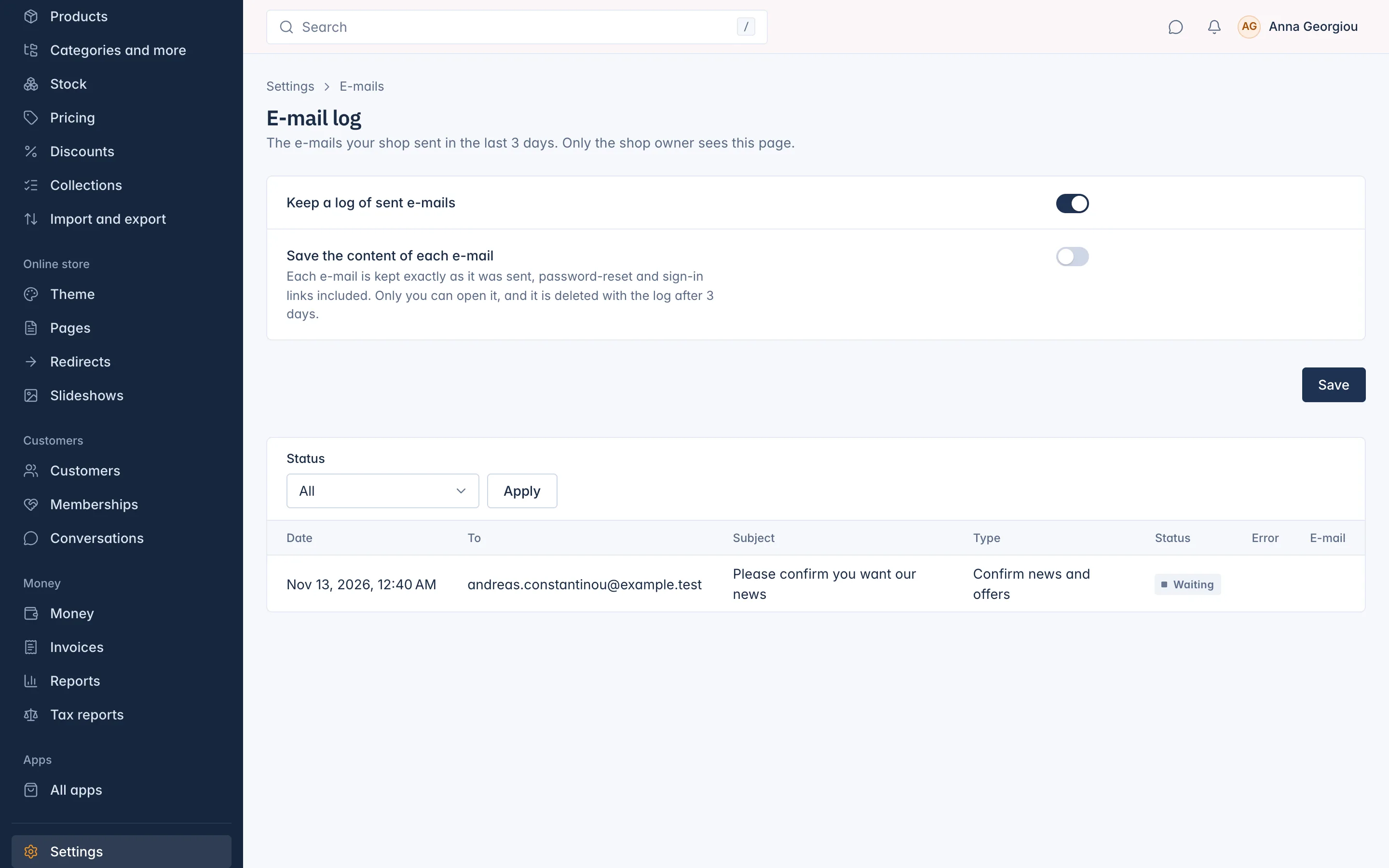
The log shows the e-mails your shop sent in the last 3 days. Older entries are deleted on their own. Only the shop's Owner sees this page, because it shows customers' addresses and messages.
Each row shows the Date, who it went To, the Subject, the Type of e-mail, its Status and, for a failed e-mail, the Error. Filter by Status and press Apply:
- Waiting: the e-mail is queued and goes out in a moment.
- Sent: your mail account accepted it.
- Failed: your mail account refused it. The Error column says why, for example a wrong password or a full mailbox.
Sent means your mail account took the e-mail. If a customer still cannot find it, ask them to look in their spam folder.
What the log keeps
Two switches at the top decide what is kept:
- Keep a log of sent e-mails: on by default. Switch it off and no new e-mails are logged.
- Save the content of each e-mail: off by default. Switch it on to keep each e-mail exactly as it was sent, so you can open it with View in the E-mail column. This includes password-reset and sign-in links, so only you can open it, and it is deleted with the log after 3 days.
Press Save after changing a switch.
Where replies go
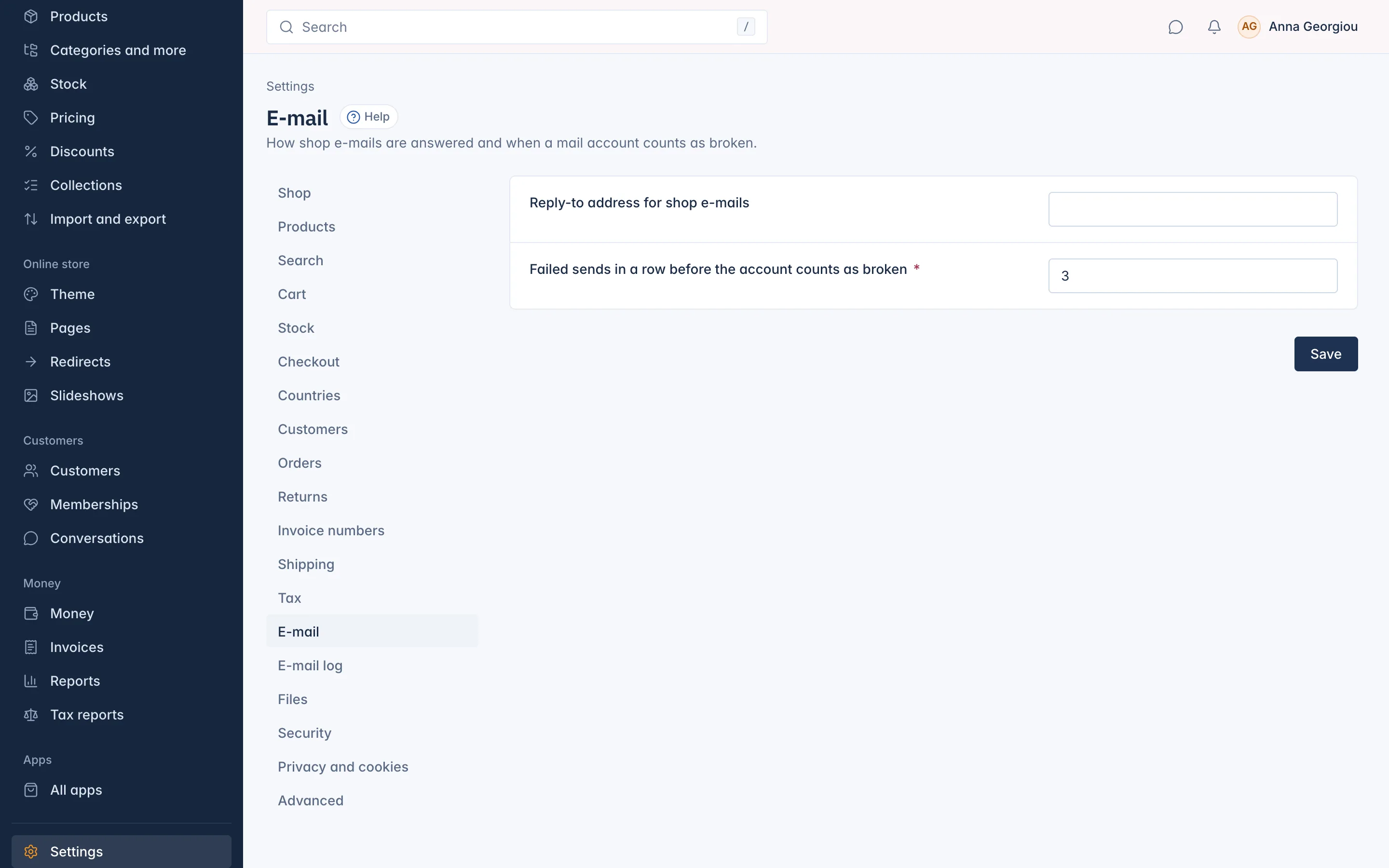
Customers often reply to an order e-mail. To have those replies land in another inbox than the one your e-mails are sent from, for example a shared support inbox:
- Go to Settings and open E-mail.
- Type the address in Reply-to address for shop e-mails.
- Press Save.
When a mail account counts as broken
If your mail account refuses several e-mails in a row, for example because its password changed, the shop marks it as broken and the Owner gets an e-mail about it. Failed sends in a row before the account counts as broken sets how many failures that takes. It is 3 by default.
Staff who keep the Mail account stopped sending notice also see it on the bell (see Your profile and notifications). Connect the account again as described in Connect your mail account.
Related
Updated 13 November 2026