
Set up returns
Set how many days customers have to return goods, whether business buyers may withdraw, which return methods you offer and where goods go back.
In the admin: SettingsReturns
On this page
Settings > Returns opens the page Return settings. It decides how long customers have to send goods back, who may withdraw, and how and where goods come back. Returns themselves are handled in Sales > Returns; see Handle returns and withdrawals.
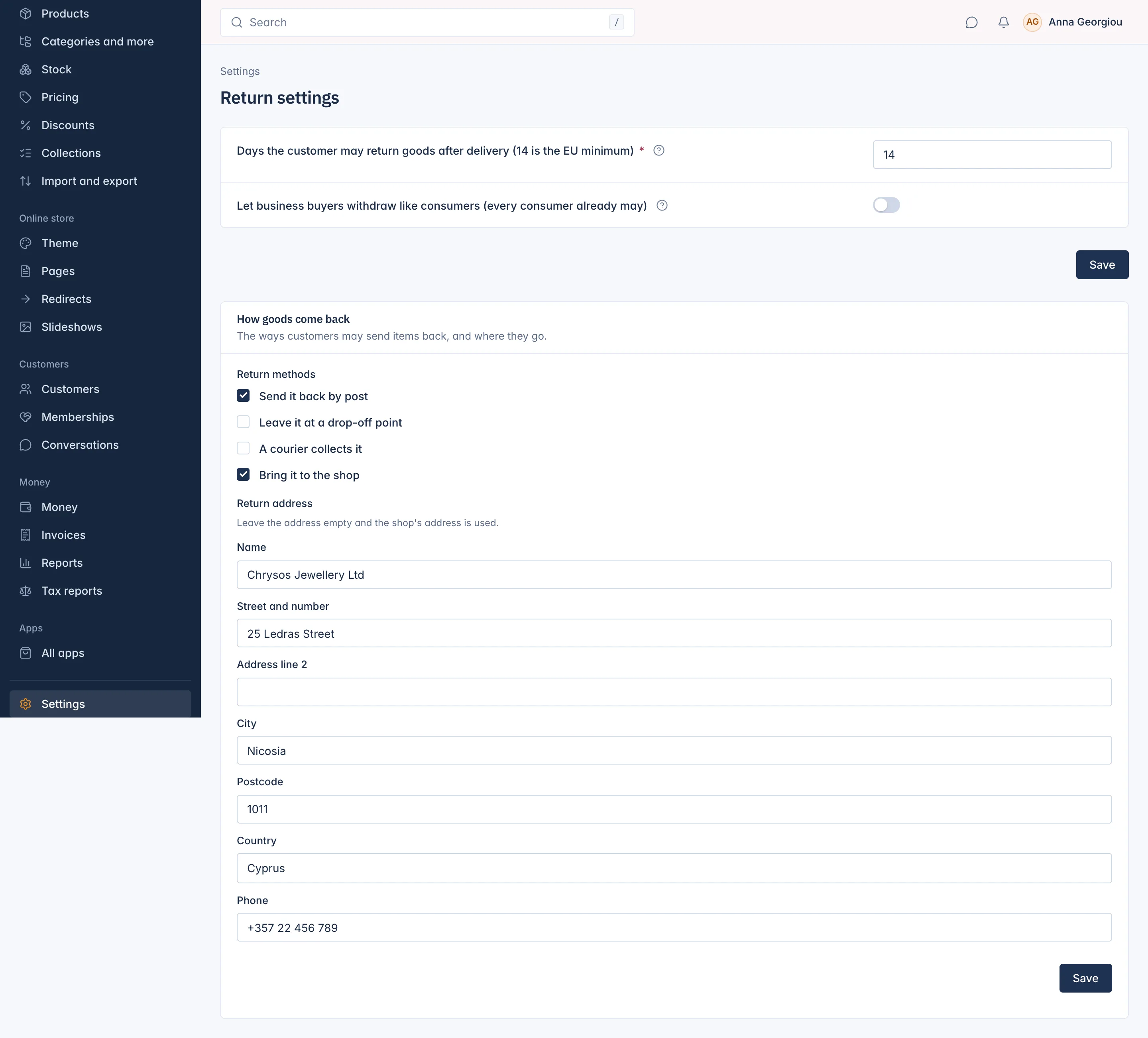
The returns window
Days the customer may return goods after delivery (14 is the EU minimum): 14 by default, between 14 and 365. "Consumers may always withdraw within 14 days of delivery. You may offer longer, for example 30 days at Christmas."
The window counts from the day an order is marked delivered. The same number of days also decides when a delivered order completes by itself: an order stays open for returns until its window has passed. See Order statuses explained.
Business buyers
Let business buyers withdraw like consumers (every consumer already may): off by default. The law gives businesses no right to withdraw, so the shop refuses their withdrawal requests. Switch it on to treat them like consumers. A business buyer can still ask for a return or a warranty claim either way.
How goods come back
The card How goods come back sets "The ways customers may send items back, and where they go."
Return methods
Tick each way you accept. Customers choose one when they ask.
| Method | Use it when |
|---|---|
| Send it back by post | The customer posts the parcel to your return address. The default. |
| Leave it at a drop-off point | The customer drops it at a parcel shop or locker of your carrier. |
| A courier collects it | You send a courier to the customer. |
| Bring it to the shop | The customer brings it to your shop. This needs an address: "Bring it to the shop needs an address: type the return address, or add the shop's address." |
At least one method must stay ticked.
Return address
The address customers send returns to: Name, Street and number, Address line 2, City, Postcode, Country and Phone. "Leave the address empty and the shop's address is used." If you fill it in, give at least the street, city, postcode and country.
Press Save under the card. You see "Return methods saved." The days and the business buyers switch at the top of the page are saved with their own button.
Who may do what
Four permissions in Settings > Staff cover returns: viewing them, deciding them (accept, refuse, mark as received, close), refunding them, and changing these settings. Refunds of a return follow the same refund limit as any other refund; see Refund an order or cancel items.
Related
Updated 13 November 2026