
Product types and digital downloads
Physical products, digital downloads and subscriptions; how to add files customers download after paying, and the tax settings of a product.
In the admin: CatalogProductsAdvanced
The product type tells the shop what the customer buys and so what happens after they pay: a physical product is shipped, a digital download is sent as a link, a subscription is charged again and again. Most products are physical, and you never need to change it. This article explains the types, how to add download files, and the Tax card, all on the Advanced tab.
The product types

| Type | What happens after the order is paid |
|---|---|
| Physical product | The order waits for you to ship it, or for the customer to collect it. Weight and size count for shipping. |
| Digital download | Nothing is shipped. The customer gets the download links by e-mail and in their account. |
| Subscription | The customer subscribes, and the shop charges them again on each renewal. |
You choose the type when you create the product, as the first field on the General tab, and change it later in the Product type card of the Advanced tab. Click Save at the top.
Only staff whose role includes Combine pricing, delivery and payout options beyond the presets see the Product type field. Others leave new products as Physical product. If your plan does not include a type, the editor says "This product type is not included in your plan."
Add files to download
The Downloads card holds the "Files a customer can download after buying. They save on their own." You need a saved product first.
- On the Advanced tab, go to Downloads.
- Under File, choose the file, for example a PDF pattern or a zip of photos.
- Type a Name shown to the customer if you like, such as "Knitting pattern (PDF)". Empty, the file's own name is used.
- Click Add download.
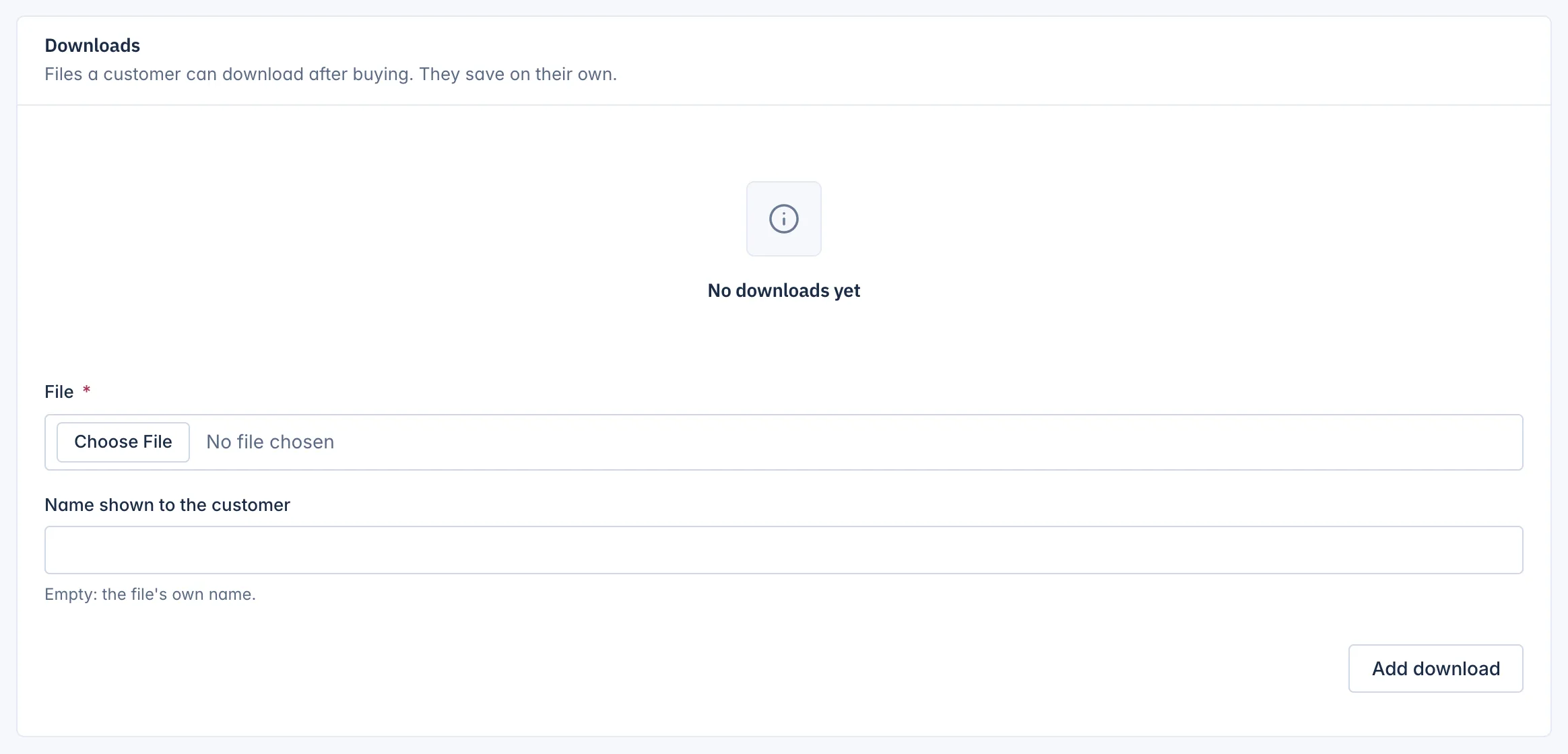
Add as many files as the product needs. Each one has a Remove button. Removing a file asks you to confirm, because "Customers who bought the product can no longer download" it.
Set the product type to Digital download too: the files are only given to customers for lines of that type.
What the customer gets
When an order with a digital download is paid:
- the customer gets the Download ready e-mail with a link per file,
- the order page in their account lists the downloads, with a way to send the link again.
Two shop-wide limits apply to every download, under Settings > Products:
- Downloads allowed per purchase (0 = unlimited): 5 unless you change it.
- Days a download stays available (0 = forever): 30 unless you change it.
Downloading the same file again from the same internet address within 30 minutes counts once, so a broken connection does not use up the customer's downloads.
Tax
The Tax card is shown to the shop's staff:
- Tax class: The shop's default, or another tax class from your tax settings, such as a reduced rate for books.
- Charge tax on this product: "Untick only for products the law exempts."
- Own tax rate in percent: "Leave empty to use the rate of the tax class."
Tax classes and rates are set up in your shop's settings. See Money.
Related
Updated 13 November 2026