
Sales and product reports
See your orders, money in, refunds and units sold over time, and your ten best-selling products, for any period up to a year.
In the admin: MoneyReports
On this page
Reports shows how your shop is doing over time, as a chart with its figures in a table under it. There are two reports:
- Sales: orders, money in, refunds and units sold, per day, week or month.
- Products: the ten best-selling products of the period.
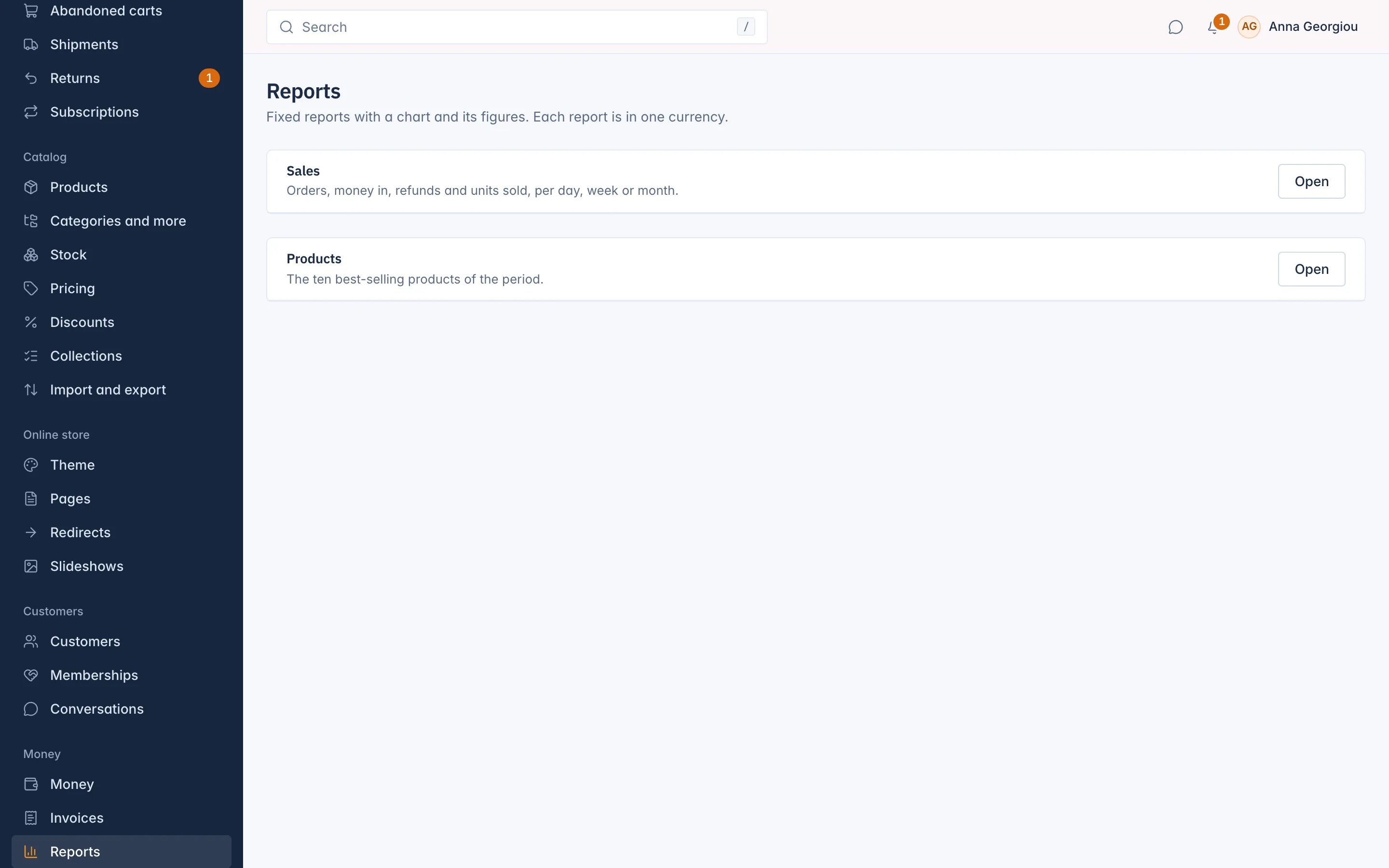
Open a report
- Go to Reports in the menu.
- Select Open on the report you want.
- Choose the Period: This month, Last month, Last 3 months, This year, Last year or Custom dates. With custom dates, pick From and To. A period can be at most 366 days.
- For the Sales report, choose Group by: Day, Week or Month.
- Choose the Currency, if you sell in more than one.
- Select Show.
The Sales report
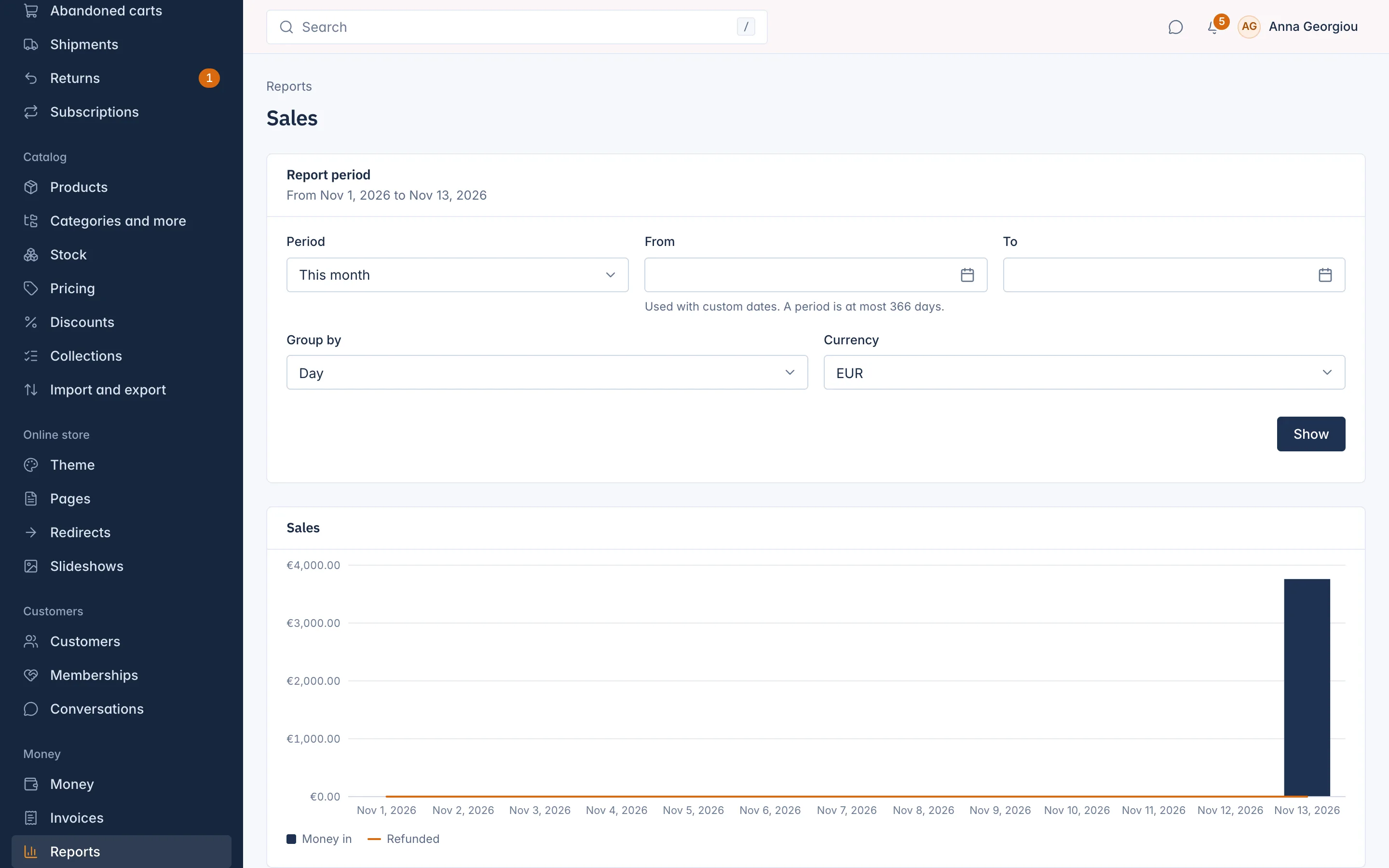
Each row is one day, week or month of the period, including the ones with no sales, so the chart has no gaps:
| Column | What it shows |
|---|---|
| Period | The day, week or month. |
| Orders | Paid orders in that period. |
| Money in | What customers paid, with VAT and shipping. |
| Refunded | Money given back in that period. |
| Units | Units sold. |
Under the table, the totals of the whole period are shown.
The Products report
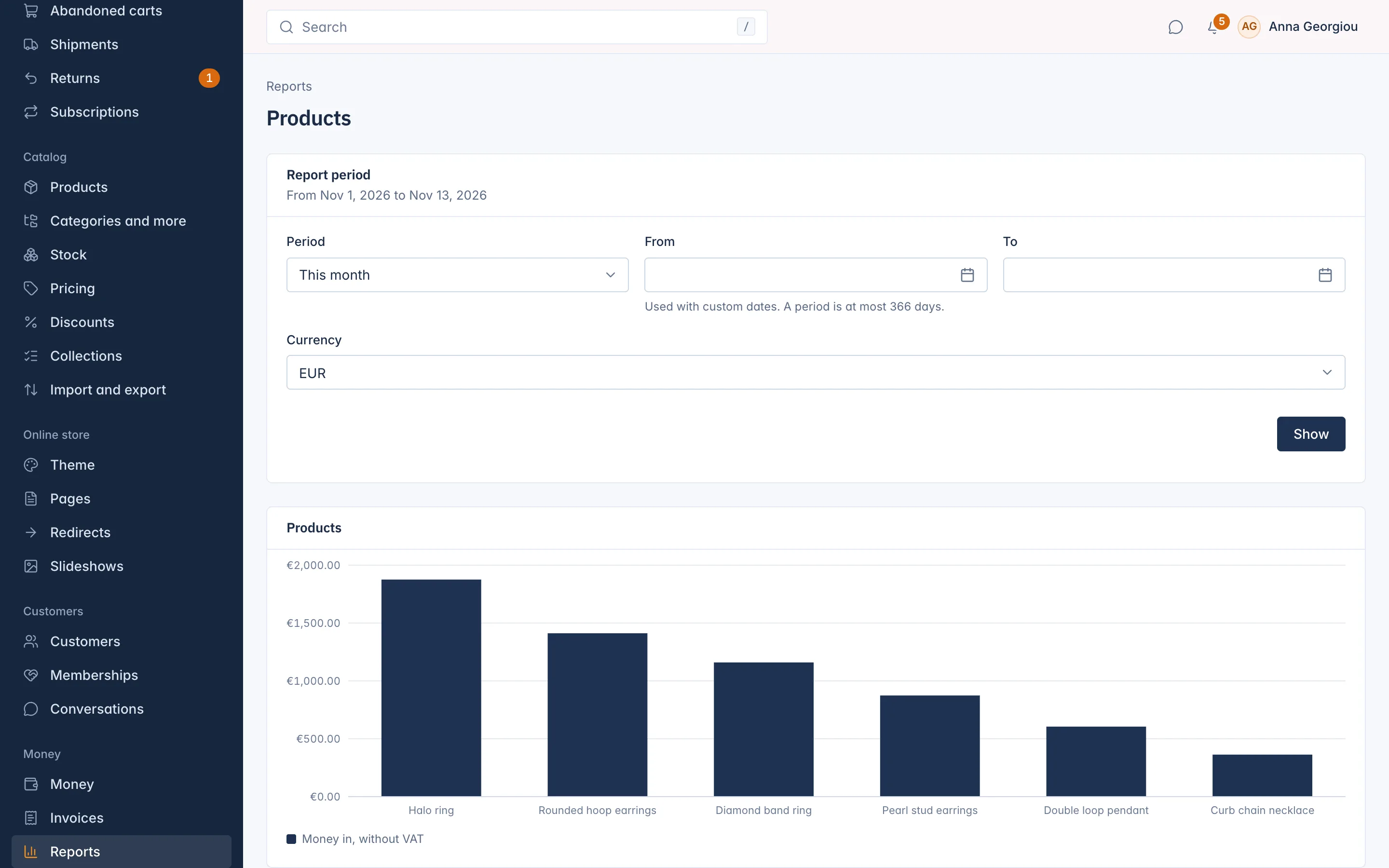
It lists the ten products with the most sales in the period, with the Units sold and the Money in, without VAT. A product you deleted since is shown as "A product deleted since".
One currency at a time
Each report shows one currency. Amounts are never added across currencies. When the period also has sales in another currency, the report says so: "This report is in EUR. The period also has figures in USD: choose it under Currency to see them."
Reports, Money and the VAT summary
- Reports are for following your sales over time.
- Money shows the month so far and what needs your attention. See Money overview and disputes.
- VAT summary is for your VAT return. Its figures come from invoices, so they can differ from the Sales report, for example when an invoice is issued on shipping rather than on payment. See Use the VAT summary for your VAT return.
Related
Updated 13 November 2026