
Set a product's price, SKU and barcode
Set the price, compare-at price and cost price of a product, and its product codes: SKU, GTIN barcode and MPN.
In the admin: CatalogProductsPricing and attributes
The Pricing and attributes tab is where a product gets its price and its product codes. A product without choices has one price and one set of codes, shown at the top of the tab. A product with combinations (sizes, colours with their own stock) has a price and codes per combination instead. This article covers the single price and the codes; attributes and combinations have their own articles.
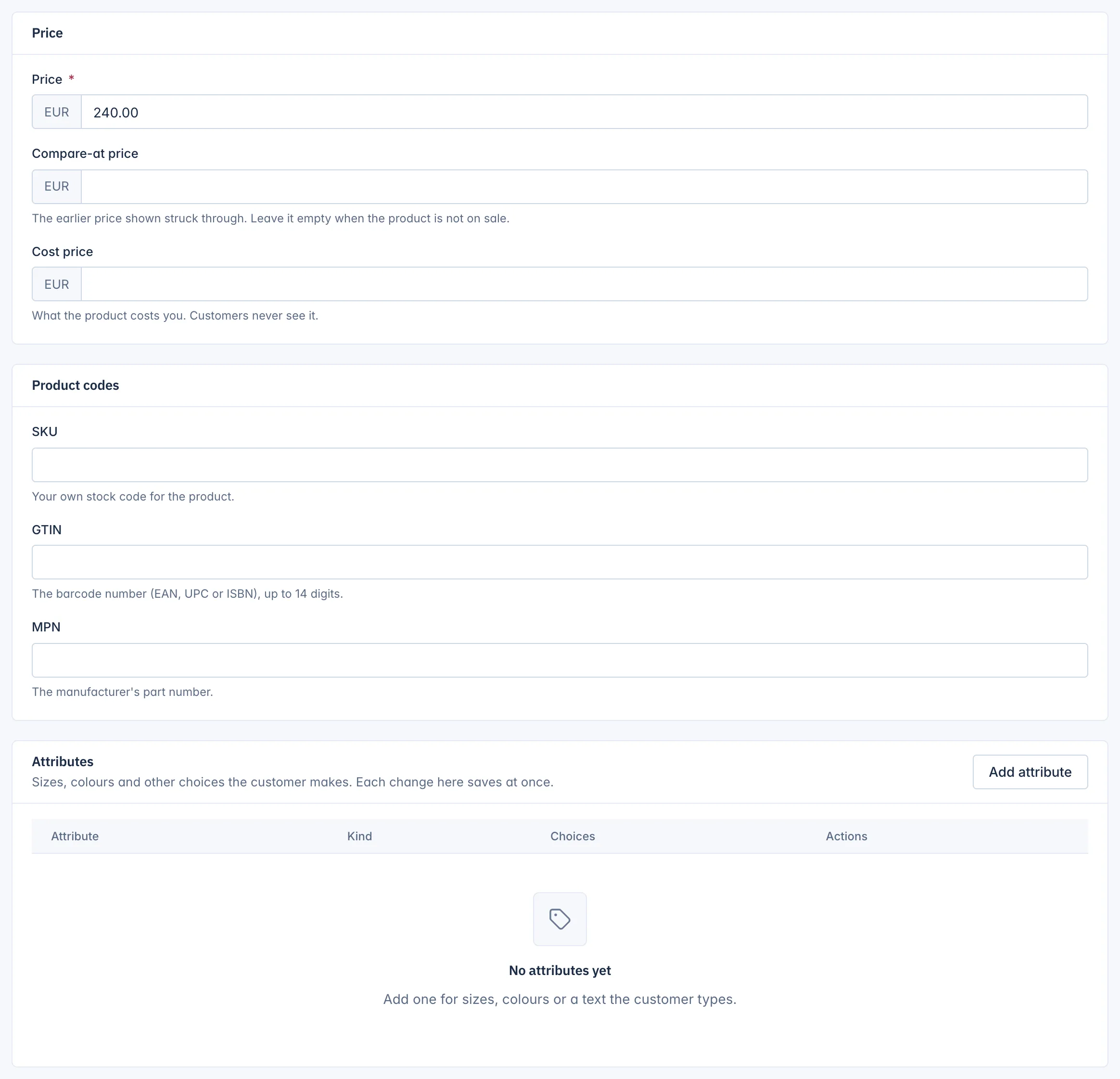
Price
- Price: what the customer pays, in your shop's main currency. Required before you can publish.
- Compare-at price: the earlier price, shown struck through next to the price. Fill it in only when the product is on sale, and leave it empty otherwise. It must be higher than the price, otherwise the editor says "The compare-at price must be above the price."
- Cost price: what the product costs you. Customers never see it. Only staff whose role includes See cost prices see and change this field.
Type amounts with a dot or the decimals your currency uses, for example 240.00. Click Save at the top of the page.
To change many prices at once, use Catalog > Pricing. Prices for customer groups, quantity discounts and other currencies are explained in How product prices work.
Product codes
- SKU: your own stock code for the product, up to 64 characters. Each SKU can be used only once in the shop ("This SKU is already used."). The shop can require a SKU on every product: Every variant needs a SKU under Settings > Products.
- GTIN: the barcode number (EAN, UPC or ISBN). It must have 8, 12, 13 or 14 digits and a correct check digit, so a typing mistake is caught. Search engines and marketplaces use it to match your product.
- MPN: the manufacturer's part number, up to 64 characters.
All three are optional unless your shop requires SKUs. You can search the products list by SKU and by GTIN.
Products with combinations
When a product has an attribute with Own stock and SKU per choice and its combinations are built, the top of the tab says "Each combination has its own price. Set the prices in the Combinations table below." The price, compare-at price, SKU, GTIN, MPN and weight are then set per combination. See Build combinations of choices.
Related
Updated 13 November 2026