
DAC7 reporting
Multi-VendorCollect your sellers' DAC7 details, build the yearly report of their sales, download the file for your tax authority and send each seller its copy.
In the admin: MoneyTax reportsDAC7
On this page
DAC7 is the EU rule that makes online marketplaces report their sellers' sales to the tax authority once a year. IXXO Cart collects the details the report needs from your sellers, works out each seller's figures, and builds the report file for you to file. This article explains the yearly routine. Ask your accountant whether DAC7 applies to your marketplace and which authority you file with.
Switch on DAC7 collection
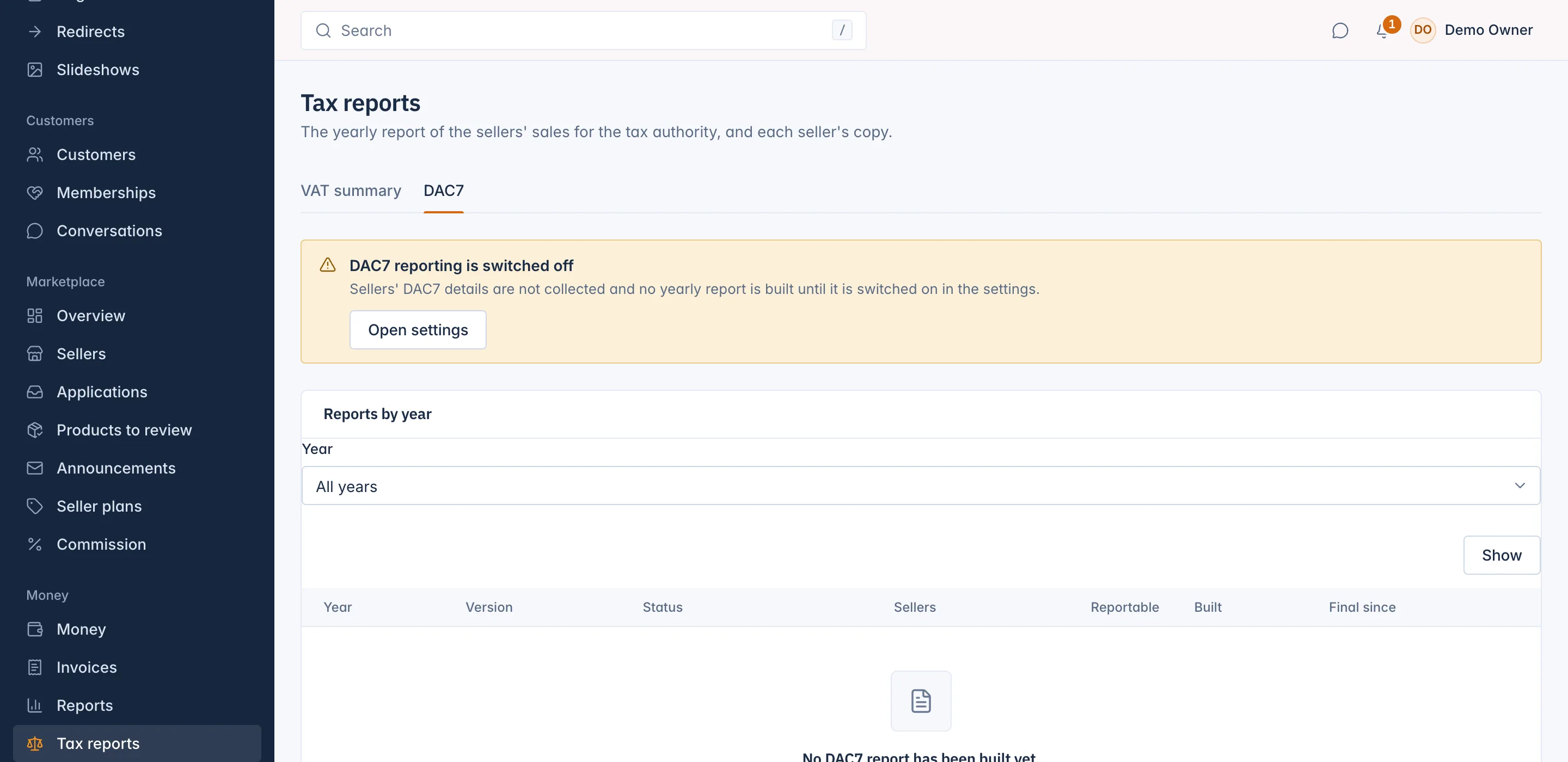
DAC7 collection is off by default. While it is off, the DAC7 tab says "DAC7 reporting is switched off", sellers' details are not chased and no yearly report is built.
When collection is on:
- The seller application form asks for the details DAC7 needs, and makes them required.
- Every seller whose details are incomplete is e-mailed a request at once, a reminder after 30 days, and is marked overdue after 60 days. Your team is then told; what happens next is your decision, for example suspending the seller.
- The report of the past year is built on its own from 15 January.
Chase sellers with missing details
Go to Money > Tax reports and open the DAC7 tab. Sellers to chase lists the sellers whose DAC7 details are still incomplete, with the day they were Asked on, whether they are Overdue, and the Missing details.
Sellers can update their legal name, address and tax numbers in their panel, under their invoice details. You can also fill in a seller's details on the seller's Application and documents tab, under Legal and tax details; see Manage a seller.
Build the year's report
Each report of a year is a version. A new version is worked out from the year's sales, and older versions stay as they are.
- On the DAC7 tab, under Build a report, choose the Year.
- Press Build. The version shows as Building, and is Ready in a few minutes.
Reports by year lists every version with its Status (Building, Ready, Final or Failed), the number of Sellers and how many are Reportable, when it was Built, and Final since. If a version fails, build the year again once the cause is fixed.
Check a version
Open a version to see every seller that sold in the year. Show All sellers, only the Reportable ones, or only the Excluded ones. Each row says whether the seller is reportable or why it is left out:
| Reason | Meaning |
|---|---|
| Below the threshold | Fewer than 30 sales and under 2,000 euro in the year. |
| Not resident in the EU | None of the seller's known countries is in the EU. |
| An excluded entity | A government body or a listed company. |
| Sells as the marketplace's supplier | The seller never sold in its own name: Reseller mode and Listing only. |
Each reportable seller has its figures per quarter (number of sales and amount), whether its Data complete is yes or no, and its Seller's copy.
If reportable sellers have incomplete details, a warning says how many. Their entries in the file have empty values, which the tax authority may refuse. Ask them to complete their details, then build the year again.
Download and finalise
Once a version is Ready, Downloads offers Download XML, the file to send to your tax authority, and Download CSV to check the figures yourself. Each download makes a new link that works for 15 minutes. The files hold sellers' full tax numbers and bank details, so store them safely.
When the version is right:
- Press Finalise.
- Read the warning and press Finalise and e-mail the sellers.
The version becomes Final and can no longer be changed. Every reportable seller is e-mailed its figures, and can see them in its panel under Money > DAC7, with Download your copy. A seller below the threshold is told that nothing was reported about it.
DAC7 needs the right to manage DAC7, which the Accountant role has.
Related
Updated 13 November 2026