
Show related products, upsells and accessories
Link products to each other so the product page suggests similar products, better alternatives and accessories.
In the admin: CatalogProductsAdvanced
On this page
Linked products help customers find more of what they like, and help you sell more per order. On the Advanced tab of a product you pick which other products to suggest with it, in four lists. The product page then shows them as rows of product cards.
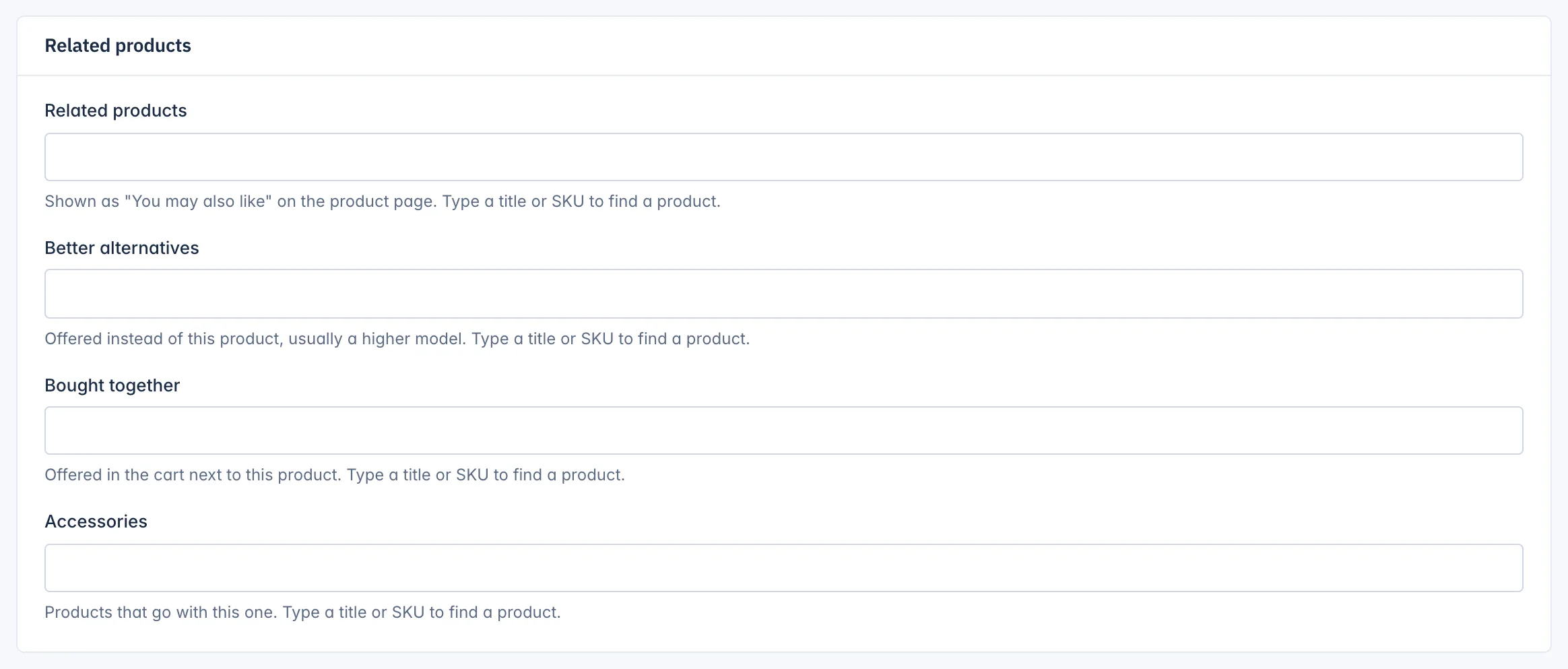
The four lists
| List | What it is for | On the product page |
|---|---|---|
| Related products | Similar products, such as other rings in the same style. | A row headed You may also like. |
| Better alternatives | "Offered instead of this product, usually a higher model." | A row headed You might also consider. |
| Bought together | Products customers often buy with this one. | Not shown in the shop yet (see the note below). |
| Accessories | "Products that go with this one", such as a ring box or a cleaning cloth. | A row headed Accessories. |
Link products
- Open the product and go to the Advanced tab.
- In the Related products card, click into one of the lists and type a title or SKU.
- Pick the product from the suggestions. Add as many as you like.
- Click Save at the top of the page.
To take a product off a list, remove it from the field and save.
The links go one way. If ring A suggests ring B, ring B does not suggest ring A until you add it on ring B too.
Only products that customers can see are shown: a linked product that is a draft, archived or out of its When it shows window is left out of the row, and comes back when it is visible again.
Collections
Below the related products, the Collections card shows "The collections this product is in". Pick or remove collections here and save, as a quicker way than opening each collection. See Collections.
Related
Updated 13 November 2026