
Choose the countries you sell to
Limit checkout and every address form to the countries you sell to, and put your main countries at the top of the country lists.
In the admin: SettingsCountries
On this page
The Countries settings decide which countries customers can pick in your shop. If you only ship to a few countries, list them here: every country list of your shop then offers only those, at checkout and in every address form, so nobody can order to a country you cannot deliver to.
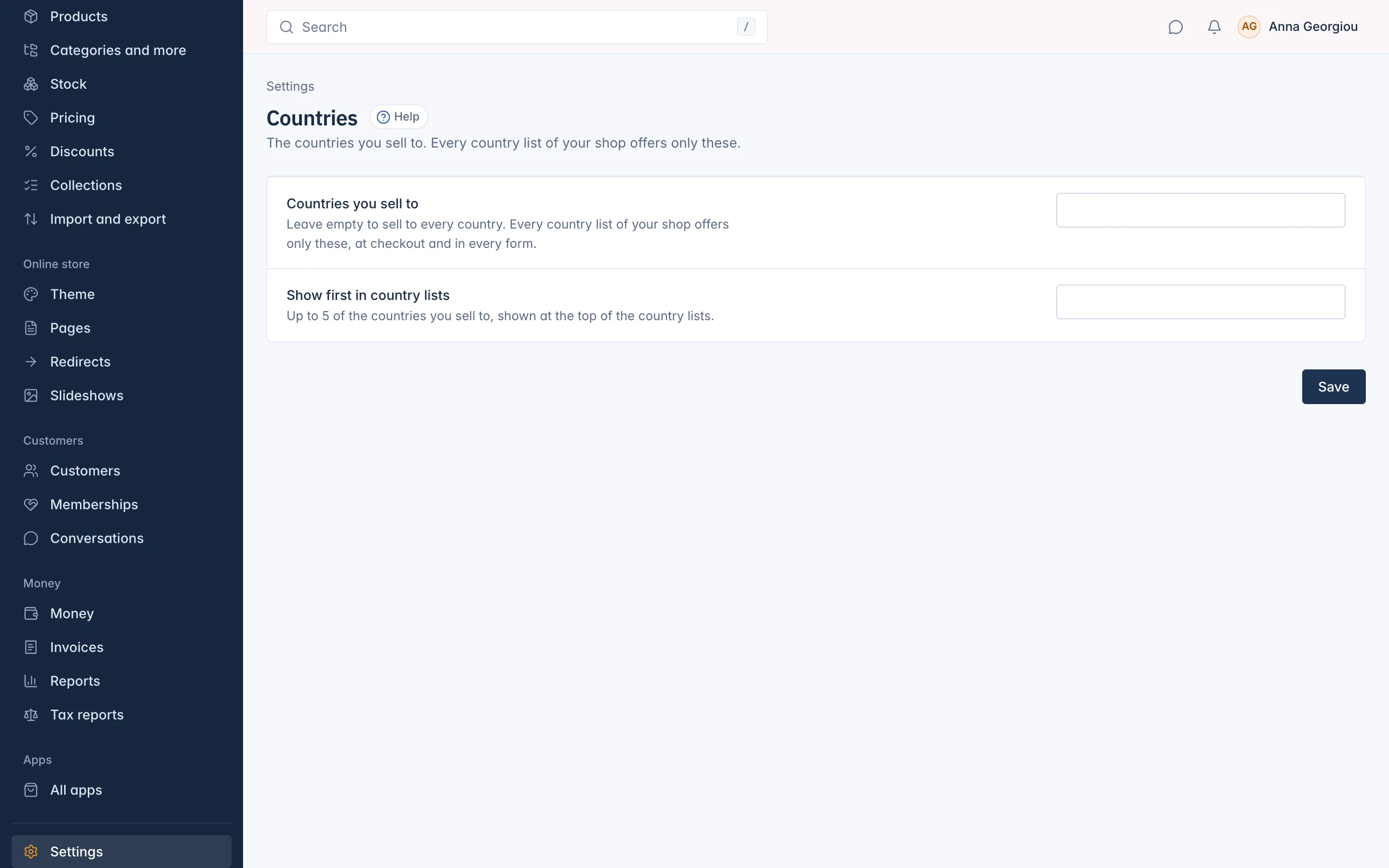
Set the countries you sell to
- Go to Settings and open Countries.
- In Countries you sell to, add each country you sell to. Leave the box empty to sell to every country.
- In Show first in country lists, pick up to 5 of those countries. They appear at the top of every country list, so most customers find theirs at once.
- Press Save.
Customers then choose only from these countries at checkout and in their address book.
How this works with shipping and tax
This list only limits which countries customers can choose. It does not create shipping rates or tax rules:
- To deliver to a country you also need a shipping zone and method that covers it. See the Orders and delivery section.
- Tax depends on where you are registered. See the Money and tax section.
Who can change it
The screen is open to staff whose role may change the checkout settings (Change the checkout settings in Roles and permissions).
Related
Updated 13 November 2026